 Summary
Technical writers need Markdown editors that blend a simple, word-processor-like experience with powerful features like code syntax highlighting and Git integration.
The best tools for 2026 offer real-time previews, robust version control, and a distraction-free environment to boost productivity.
To choose the right editor, evaluate your workflow: consider a WYSIWYG tool like Typora for simplicity, a knowledge base like Obsidian for interconnected docs, or a headless CMS like Wisp to solve team publishing bottlenecks.
Are you a technical writer stuck between a rock and a hard place? On one side, you have plain text editors that make writing with Markdown syntax feel clunky and slow. On the other, you have rich text editors that are easy to use but produce messy code or don't save to clean .md files.
For technical writers, especially those working in B2B SaaS companies, finding the right Markdown editor can dramatically impact your content production efficiency. Since its creation in 2004, this lightweight markup language has become the standard for technical documentation, developer blogs, and knowledge bases.
Why? Because Markdown's plain text formatting is readable even without rendering, works across any platform, and converts seamlessly to HTML for publishing. For technical writers, it's the perfect balance of simplicity and power.
In this guide, we'll explore the best Markdown blog editors for 2026, with a special focus on features critical to technical writers: code syntax highlighting, Git integration, and documentation capabilities.
What Makes a Great Markdown Editor for Technical Writers?
Before diving into our list, let's establish what separates good Markdown editors from great for technical writing:
Real-Time Preview: See your formatted text as you type, either in a split-screen view or a seamless WYSIWYG interface. This helps catch formatting errors instantly.
Code Syntax Highlighting: Essential for any technical writer. A good editor should support a wide range of languages and provide clear, color-coded blocks to make code snippets readable.
Git Integration & Version Control: For teams that manage documentation as code, the ability to track changes, sync with GitHub, and revert to previous versions is non-negotiable.
Export Options: The ability to export to multiple formats like HTML, PDF, and DOCX is crucial for distributing content across different channels.
Distraction-Free Experience: A clean, focused writing environment helps maintain productivity, especially when working on complex technical topics.
The 10 Best Markdown Editors for Technical Writers in 2026
Now, let's explore the 10 best Markdown editors that excel in these areas!
1. Wisp
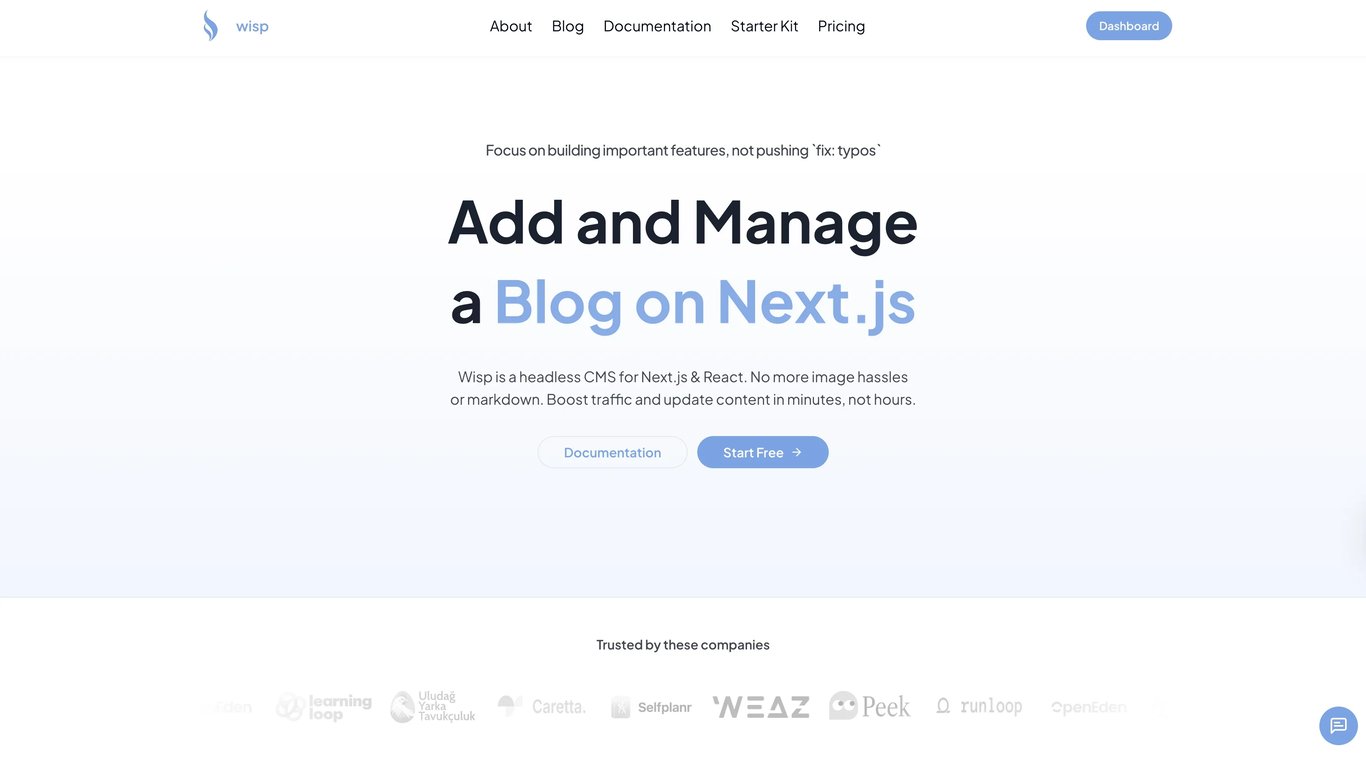
Wisp isn't just a Markdown editor; it's a headless CMS purpose-built to run a blog on Next.js and React sites. It solves the entire workflow problem, from writing to publishing, eliminating the engineering bottlenecks that slow down content velocity in B2B SaaS teams.
Key Features:
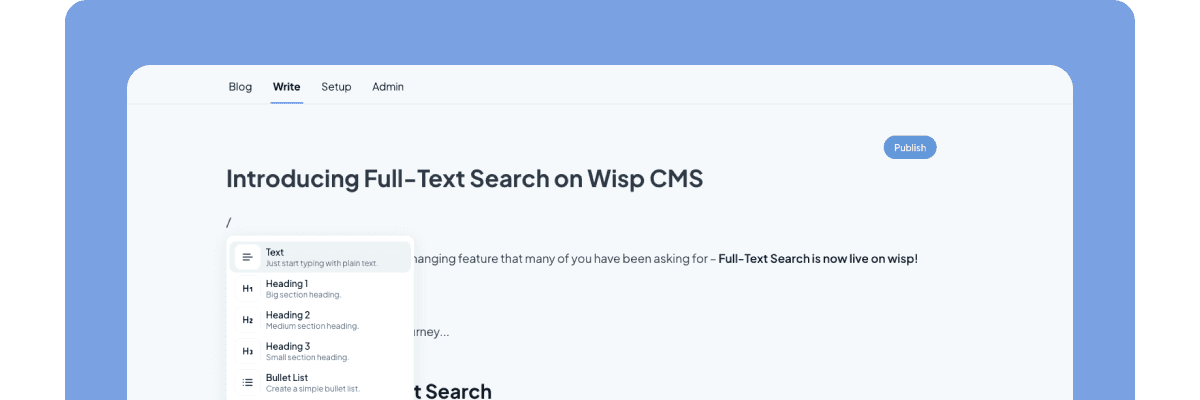
A "No-Markdown" Editor for Teams: Its core strength is a distraction-free, Medium/Notion-style editor that doesn't require writers to know Markdown. This directly solves the pain of users who find manual syntax "cumbersome" and want a rich text editor experience.
Headless Architecture: Content is delivered via a flexible Content API and a developer-friendly JS SDK, giving developers full control over the frontend presentation.
Built-in Media Handling: Images are automatically uploaded to a global CDN, keeping them out of your Git repo.
Multi-Tenancy: Manage multiple blogs for different projects or clients from a single account.
Generous Free Plan: Wisp offers a "Free Forever" plan with core features and unlimited posts, making it accessible for indie hackers and startups.
Best For: Bootstrapped startups, small teams, and indie hackers using Next.js/React who need to ship content quickly without turning every blog post update into a developer ticket.
2. Typora
A unique commercial Markdown editor that provides a seamless, in-place live preview. Instead of a split-screen, it renders Markdown syntax as you type, creating a true WYSIWYG experience.
Key Features:
In-Place Live Preview: The defining feature that users love. It directly addresses the pain of wanting a rich text editor that saves as
.md.Focus Mode & Typewriter Mode: Tools to help you concentrate on writing.
Pandoc Integration: Supports import and export to a huge variety of formats, including PDF, DOCX, LaTeX, and more.
Best For: Writers who want to completely abstract away Markdown syntax and focus purely on the final output.
3. Obsidian
More than just an editor, Obsidian is a powerful, local-first knowledge base that works on top of a folder of plain text Markdown files. It's built for creating connections between notes.
Key Features:
Bi-Directional Linking & Graph View: Visualize the connections between your notes, making it perfect for building a "second brain" or managing complex documentation projects.
Extensive Plugin Ecosystem: Customize your workflow with hundreds of community-built plugins, including an editing bar to add rich text features.
Local-First: All your data is stored in
.mdfiles on your machine, giving you full control and privacy. This is a key benefit for users concerned about online-only tools.
Best For: Technical writers, researchers, and developers who are building a personal knowledge base or managing an interconnected documentation set.
4. VS Code / VSCodium
The go-to code editor for millions of developers is also a powerful Markdown editor. VSCodium is the fully open-source version without Microsoft's telemetry.
Key Features:
Built-in Preview: Use
Ctrl+Shift+Vto open a live preview panel next to your code.Rich Extension Marketplace: Enhance the experience with extensions like "Markdown All in One" for shortcuts and TOC generation, or "Markdown Preview Enhanced" for advanced previews.
Integrated Terminal & Git: Manage your entire docs-as-code workflow—from writing to committing—in a single window.
Best For: Developers and technical writers who are already comfortable working in a code editor and want a single tool for both code and documentation.
5. Mark Text
A free and open-source Markdown editor that focuses on providing a simple, distraction-free writing experience with a real-time preview.
Key Features:
Real-time Preview: A clean and simple WYSIWYG interface.
GitHub Flavored Markdown Support: Includes support for tables, code fences, and task lists.
Multiple Edit Modes: Switch between Source Code mode, Typewriter mode, and Focus mode.
Export Options: Can export to HTML and PDF.
Best For: Users looking for a free, open-source alternative to Typora with a similar focus on a seamless writing and previewing experience.
6. Joplin
An open-source, note-taking, and to-do application that uses Markdown for all notes. It's designed for organization and synchronization.
Key Features:
Cross-Platform Sync: Sync your notes across devices using services like Dropbox, OneDrive, or Nextcloud, with end-to-end encryption.
Web Clipper: Save web pages or take screenshots as notes from your browser.
Notebook Organization: Organize notes into notebooks and sub-notebooks, and add tags for easy retrieval.
Best For: Technical writers who need to organize large volumes of research, notes, and drafts across multiple devices securely.
7. MD Editor
An AI-powered Markdown editor built specifically for technical content creation, used by thousands of writers.
Key Features:
AI Writing Assistance: Generate first drafts, brainstorm ideas, and even get explanations for code snippets.
Multi-Platform Publishing: Directly publish articles to Medium, Dev.to, and custom websites via GitHub integration.
Jupyter Notebook Support: A standout feature for data scientists and technical writers working with data analysis.
Content Analytics: Provides word count, reading time, and readability scores.
Best For: Content creators in the B2B SaaS space who want to leverage AI to speed up their drafting process and publish directly to multiple platforms.
8. Ghostwriter
A distraction-free and aesthetically pleasing Markdown editor for Linux and Windows. It's known for its clean interface and focus on the writing experience.
Key Features:
Focus Mode: Highlights the current paragraph, sentence, or block of text you're working on.
Built-in Themes: Comes with several light and dark themes to suit your preference.
Live HTML Preview: A standard split-screen preview.
Document Stats: Track your word count and other metrics.
Best For: Writers who value a minimalist, distraction-free environment and want a simple yet powerful tool for focused writing sessions.
9. Zettlr
An open-source Markdown editor designed for academics and researchers, but its powerful features are excellent for technical writers creating long-form documentation.
Key Features:
Project Management: Group related files into projects for better organization.
Citation Management: Integrates with Zotero, JabRef, and other bibliography managers.
Powerful Search: A global search function helps you find content across all your files instantly.
LaTeX Support: Ideal for writing documents with complex mathematical formulas.
Best For: Academic and technical writers working on research papers, books, or extensive documentation that requires citations and robust organization.
10. Atom
GitHub's "hackable text editor for the 21st Century." While development has been sunsetted, it remains a powerful and highly customizable editor with excellent built-in Markdown support.
Key Features:
GitHub Flavored Markdown: Natively supported.
Built-in Preview: Use
Ctrl+Shift+Mto toggle the preview pane.Highly Extensible: Its true power comes from a massive library of packages that can add any feature imaginable.
Best For: Developers who loved the Atom ecosystem and have it integrated into their workflow, or those looking for a free, powerful editor they can customize to their exact needs.
How to Choose the Right Editor for Your Workflow
Selecting the perfect Markdown editor depends on your specific needs and workflow:
For Teams on Next.js/React: If your goal is to streamline publishing and empower non-developers, Wisp is the clear choice. It solves the workflow, not just the writing.
For a Pure WYSIWYG Experience: If you hate seeing Markdown syntax, choose Typora or Mark Text.
For Building a Knowledge Base: If you're connecting ideas and building a "second brain," nothing beats Obsidian.
For Writers Who Live in a Code Editor: Stick with what you know and supercharge VS Code or VSCodium with extensions.
For AI-Powered Drafting: If you want to accelerate your writing process with AI, give MD Editor a try.
For Distraction-Free Writing: If focus is your priority, Ghostwriter provides a beautifully simple interface.
Go Beyond Writing: It’s Time to Publish
The right Markdown editor can transform your technical writing process from tedious to enjoyable. While Markdown itself provides the portability and platform independence technical writers need, the editor you choose makes all the difference in your efficiency and enjoyment.
Remember that the best tool is the one that fits seamlessly into your existing workflow, whether you're a solo developer writing documentation or a content team at a fast-growing SaaS company.
But a great editor is only half the battle. While it helps you write, you still need a way to publish. Platforms like Wisp help your team publish faster by solving the entire content lifecycle—from a simple editor to a developer-friendly API. Stop worrying about blog plumbing and get back to shipping great content and a great product.
Frequently Asked Questions
What is a Markdown editor?
It's a text editor for writing in Markdown, a simple markup language for formatting plain text. It converts text to HTML and often includes live previews, code syntax highlighting, and export options to make writing easier and more efficient for web content.
Why do technical writers prefer Markdown?
Technical writers prefer it because it's simple, readable, and platform-independent. Its plain text format is perfect for version control with Git (docs-as-code) and converts cleanly to HTML, avoiding the messy output of rich text editors.
What is the best free Markdown editor for technical writing?
The best free Markdown editor for technical writing depends on your workflow. VS Code is great for developers. Mark Text offers a clean, distraction-free WYSIWYG experience. Obsidian is powerful for building interconnected knowledge bases. Each serves a different need.
What is the difference between a WYSIWYG editor and a standard Markdown editor?
A standard editor uses a split-screen view to show raw syntax and a preview. A WYSIWYG (What You See Is What You Get) editor, like Typora, renders formatting live, hiding the syntax for a seamless experience.
How does Git integration help in a Markdown editor?
Git integration lets writers manage documentation as code. They can track changes, collaborate with developers, and sync content with GitHub directly from the editor. This streamlines the workflow, allowing them to commit and push updates easily.
What should I look for when choosing a Markdown editor for a team?
Prioritize features that solve collaboration and publishing bottlenecks. Look for version control, shared previews, and a simple interface for non-technical users. A headless CMS like Wisp is ideal for this.