Summary
Choosing the wrong blogging platform can lead to significant engineering bottlenecks and SEO issues, with platforms like HubSpot causing redirect problems and WordPress requiring constant maintenance.
The ideal platform aligns with your resources: WordPress for control with technical teams, Webflow for design-led brands, and HubSpot for those already invested in its all-in-one marketing suite.
For performance-focused SaaS companies using Next.js or React, a headless CMS is the modern solution for maximum speed, flexibility, and SEO control without the maintenance overhead.
No matter which platform you choose, flawless technical execution is critical for success.
You've built an amazing SaaS product, but now you're facing a different challenge: creating a high-performing blog that actually drives growth. Is your blog slow? Are developers constantly tied up with maintenance and security patches? Does your content team have to file a ticket just to publish a post?
These are common pain points that stem from choosing the wrong blogging platform. The right foundation can turn your blog into a growth engine, while the wrong one creates engineering bottlenecks, SEO headaches, and a content strategy that can't scale.
This comprehensive comparison evaluates WordPress, Webflow, and HubSpot specifically for SaaS companies, examining them through five critical lenses:
Lead generation capabilities
Content scalability & team collaboration
Technical SEO performance & control
Maintenance, security & total cost of ownership
Integration with your SaaS marketing tech stack
We'll also introduce a modern alternative for teams building on Next.js and React who need something "lean, fast and flexible that gets the job done."
The Modern Alternative for Performance-Focused SaaS: Headless CMS with Wisp
Before diving into the traditional contenders, let's explore a solution that's gaining traction among performance-obsessed SaaS companies building on modern frameworks.
Why Headless for SaaS Blogs?
Traditional CMS platforms combine content management with frontend presentation, creating an all-in-one but often inflexible solution. A headless CMS, by contrast, separates content management from frontend presentation, delivering content via APIs that your frontend can consume however you choose.
For SaaS companies building on Next.js and React, this approach offers unparalleled speed, security, and flexibility—directly addressing the need for something "lean, fast, and flexible that gets the job done."
Wisp: Purpose-Built for Next.js Blogs
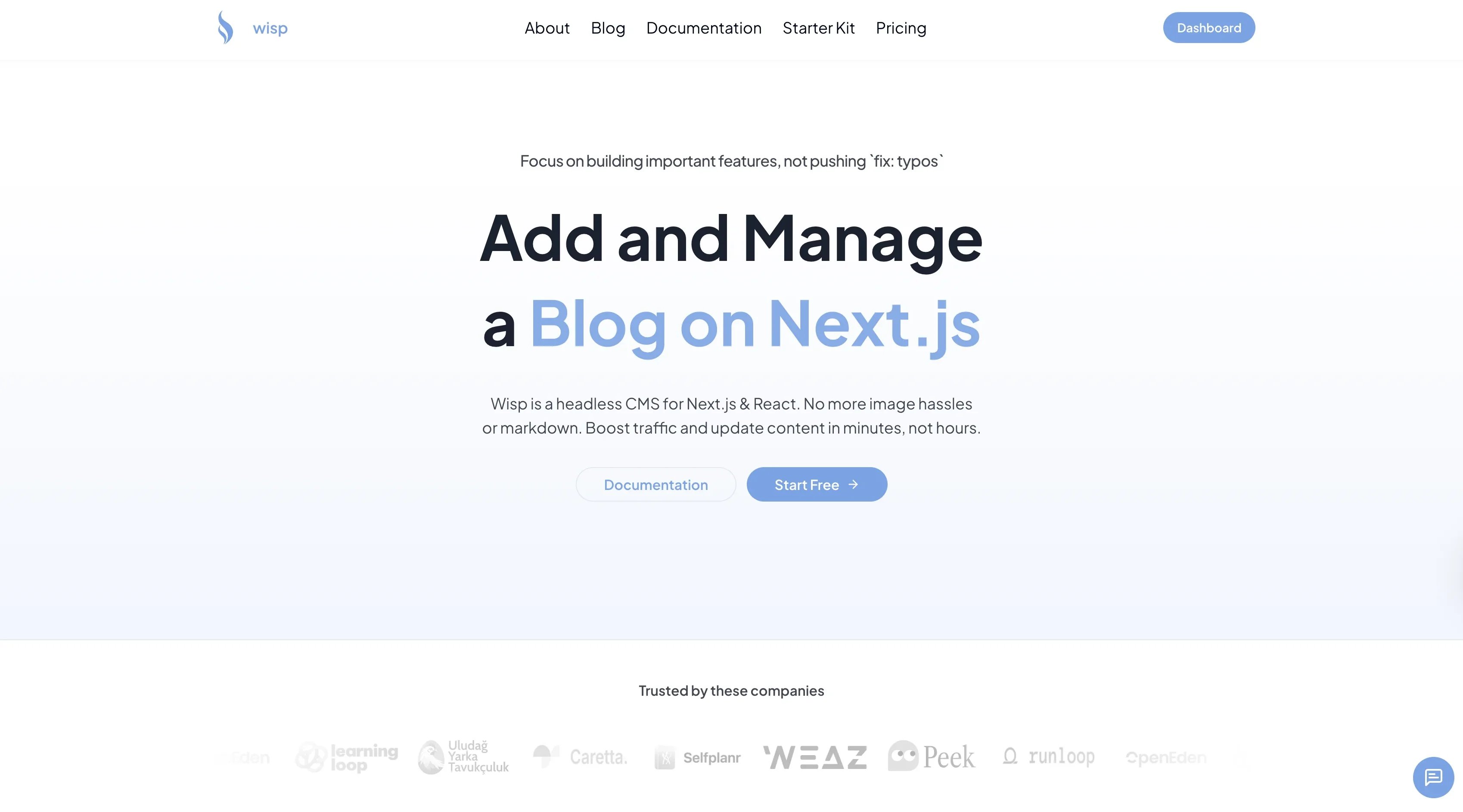
Wisp is a headless CMS built specifically for adding and managing blogs on Next.js and React sites. Unlike general-purpose CMSs trying to do everything, Wisp focuses on solving the exact "blog on Next.js" problem.
Key advantages:
Unmatched Performance & SEO Control: Your engineering team retains 100% control over the frontend, allowing you to build a lightning-fast site and "touch just about every known area where there's a known ranking signal" without platform limitations. Content is delivered via a global CDN for speed.
Zero Maintenance Overhead: There are no plugins, themes, or core updates to manage. Developers integrate the Content API or JS SDK once, and the content team publishes independently, freeing up expensive engineering resources.
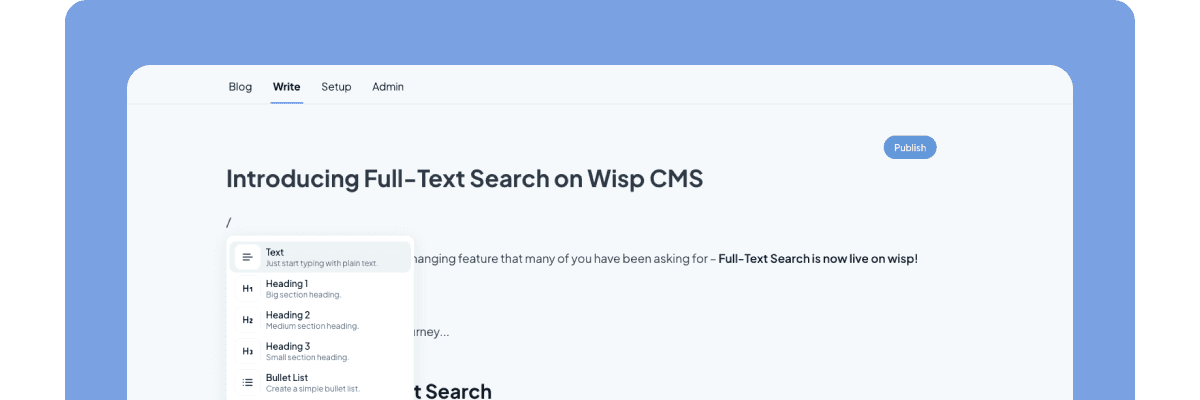
Empowers Non-Developers: The distraction-free editor is inspired by Medium/Notion, allowing marketing teams to publish without writing Markdown or filing developer tickets. Media handling is built-in with automatic CDN delivery.
Developer-Friendly, Marketing-Approved: Wisp bridges the gap between technical needs (fast, secure, maintainable) and marketing needs (easy publishing, no bottlenecks).
Rapid Implementation: Get started in hours using the Next.js Blog Starter Kit.
Now, let's examine our traditional contenders.
Head-to-Head: WordPress vs. Webflow vs. HubSpot
WordPress: The Customizable Workhorse
Overview: The world's most popular CMS, known for its flexibility and massive plugin ecosystem. It's open-source and can be molded to do almost anything.
Lead Generation: Entirely dependent on plugins for forms, CTAs, and landing pages. This offers flexibility but can lead to "plugin bloat," affecting site speed as noted in user research: "If you build your theme and use tops 1-3 plugins WordPress is good." Beyond that, performance suffers.
Content Scalability: Strong multi-user support with granular permissions, making it suitable for growing content teams. WordPress shines for large content operations with multiple contributors.
Technical SEO: Potentially the most powerful platform for SEO when configured correctly. You have full control over code, but it requires technical expertise. Out-of-the-box SEO is basic; advanced features require plugins.
As one SEO expert shared: "You can use a very lightweight theme, strip WordPress of many of the bloat it has and code the areas of the site so you can update and optimize your site when, where and how you see fit."
Maintenance & Security: WordPress's biggest drawback. Requires constant updates for the core, themes, and plugins. The reliance on third-party plugins makes it more vulnerable to security risks and increases technical debt over time.
Integrations: Unmatched, with over 59,000 plugins available. It can connect to virtually any tool in your MarTech stack.
Best For: SaaS teams with in-house technical talent (or a budget for it) who need maximum customization and can handle the maintenance burden.
Webflow: The Visual-First Designer's Platform
Overview: A no-code/low-code platform that combines a powerful visual designer with a CMS, giving teams unparalleled control over design without writing code.
Lead Generation: Has native form-building capabilities, but more complex lead generation workflows often require integration with third-party services. The forms are aesthetically pleasing but less powerful than dedicated tools.
Content Scalability: This can be a significant limitation. CMS item limits are tied to pricing plans, which can become restrictive for content-heavy SaaS blogs. User role management is also less robust than WordPress or HubSpot.
Technical SEO: Generally strong out of the box with clean code and good performance (uses Amazon Cloudfront CDN). However, it's less flexible than WordPress for advanced SEO tasks, and users report frustrations with sitemap handling.
Maintenance & Security: Fully managed, hosted, and secure. All updates are handled automatically, eliminating the maintenance headaches of WordPress.
Integrations: A growing library of over 300+ integrations, but much smaller than the WordPress ecosystem.
Best For: Design-led SaaS companies where brand and visual presentation are paramount, and who can work within the CMS limitations.
HubSpot CMS Hub: The All-in-One Marketing Engine
Overview: A blogging platform and CMS that is natively integrated with HubSpot's powerful CRM and marketing automation suite.
Lead Generation: This is its primary strength. Every blog post can be a lead generation machine with built-in CTAs, forms, and personalization, all feeding directly into the HubSpot CRM.
Content Scalability: Designed for marketing teams, with solid user roles and a content calendar. It's built to scale content operations within its ecosystem.
Technical SEO: Comes with excellent built-in SEO tools, on-page recommendations, and topic cluster functionality. However, this comes at the cost of flexibility. Users report significant frustration with a lack of control, citing "a current absolutely silly issue with redirects" and rigid URL structures (e.g., https://www vs. https://mywebsite.com) that can negatively impact SEO.
Maintenance & Security: Fully managed, secure, and reliable. As a closed ecosystem, it doesn't have the plugin vulnerabilities of WordPress.
Integrations: Integrates seamlessly with its own suite of tools. While it has over 2,000+ integrations, it's designed to keep you within the HubSpot ecosystem, which can lead to vendor lock-in. It's also the most expensive option.
Best For: SaaS companies already heavily invested in the HubSpot CRM who want a fully integrated, all-in-one marketing and sales solution and are willing to trade technical flexibility for ease of use.
Strategic Recommendations & Final Verdict
When comparing the best blogging platform options for SaaS growth, there's no one-size-fits-all solution. Your choice should align with your tech stack, team resources, and growth priorities.
Comparative Summary
Feature | Wisp (Headless) | WordPress | Webflow | HubSpot CMS Hub |
|---|---|---|---|---|
Ideal For | Modern SaaS on Next.js/React | Teams needing full control with tech resources | Design-first teams, visual control | Teams all-in on the HubSpot ecosystem |
Lead Generation | 100% Flexible (integrate any tool) | Highly capable with plugins | Good native forms, needs 3rd parties for more | Excellent, natively integrated with CRM |
Content Scalability | Excellent; multi-tenancy for multiple blogs | Excellent; robust user roles | Limited by plan (CMS items) | Excellent within its ecosystem |
Technical SEO | Maximum control (you own the frontend) | Maximum control (requires expertise) | Good, but less flexible for advanced needs | Good built-in tools, but rigid and restrictive |
Maintenance | None (fully managed CMS) | High (constant updates required) | None (fully managed) | None (fully managed) |
Total Cost of Ownership | Low (generous free plan, saves dev time) | Low to High (hosting + dev/maintenance time) | Moderate (plan-based) | High (expensive plans, vendor lock-in) |
Making the Right Choice for Your SaaS Stage
For Early-Stage Startups on a Modern StackIf your site is built with Next.js or React, and your priorities are speed, SEO control, and developer efficiency, a headless CMS like Wisp is the clear winner. With a generous free plan and focus on blog-specific needs, it removes blog infrastructure as an engineering problem while letting your marketing team publish independently.
For Bootstrapped Teams with Technical ResourcesIf you have the in-house expertise to manage hosting and security and need ultimate flexibility on a budget, WordPress remains a viable, powerful option. Just remember what one user cautioned: "You can use a very lightweight theme, strip WordPress of many of the bloat it has" to maintain performance.
For Design-First CompaniesIf your go-to-market strategy is heavily reliant on a unique visual brand and you want to empower designers, Webflow is an excellent choice, provided you can accept its CMS limitations.
For Marketing-Driven Organizations Needing All-in-One SolutionIf your team lives and breathes in HubSpot's CRM and you value seamless integration over technical control, HubSpot CMS will streamline your entire funnel. Just be prepared for the technical limitations that frustrated users have noted around redirects and URL structures.
Implementation & Time-to-Value Considerations
Fastest to implement: Wisp (hours) → Webflow (days) → HubSpot (weeks) → WordPress (weeks to months depending on customization)
Ongoing maintenance burden: WordPress (high) → HubSpot (medium) → Webflow (low) → Wisp (lowest)
A Great Platform is Just the Beginning
The "best blogging platform" doesn't exist in isolation. As one user aptly put it, "You need much, much more than a good CMS." Success comes from a robust content strategy that maps content to the buyer's journey and addresses customer pain points.
Remember that your CMS is a tool, not a strategy. The real differentiator in SaaS content marketing is your ability to:
Create educational content that deeply resonates with your target audience
Optimize that content for both search engines and conversion
Distribute it effectively through multiple channels
Analyze performance and iterate accordingly
Choose the platform that best empowers your team to execute that strategy without friction. Whether that's the developer-friendly approach of Wisp for Next.js teams, the customizable power of WordPress, the design control of Webflow, or the marketing automation of HubSpot—align your choice with your specific resources, technical stack, and business goals.
The best blogging platform for your SaaS growth is the one that gets out of your way and lets your content strategy shine. For teams on modern stacks like Next.js or React, see how Wisp.blog can help.
Frequently Asked Questions
What is the best blogging platform for a SaaS company?
The best blogging platform for a SaaS company depends on your needs. For Next.js sites needing speed, a headless CMS like Wisp is ideal. If you have developers for customization, WordPress is powerful. For design-focused brands, choose Webflow. For teams in HubSpot's ecosystem, use HubSpot CMS.
Why should a SaaS company with a Next.js site use a headless CMS?
A SaaS company with a Next.js site should use a headless CMS for top speed, security, and SEO control. It separates content from the frontend, freeing developers to build a fast site while marketers publish easily. This model, used by Wisp, prevents engineering bottlenecks and performance issues.
How do WordPress, Webflow, and HubSpot compare on technical SEO?
On technical SEO, WordPress, Webflow, and HubSpot compare differently. WordPress offers maximum control but needs expert setup. Webflow is strong out-of-the-box but less flexible for advanced SEO. HubSpot provides good tools but its rigid structure can create SEO issues like redirect problems.
Which platform is best for SaaS lead generation?
For SaaS lead generation, HubSpot is the best platform due to its native CRM integration. It seamlessly adds forms and CTAs to posts, feeding leads directly into your sales funnel. While others can be configured for lead gen, HubSpot's all-in-one system makes it the most streamlined choice.
What is the biggest drawback of using WordPress for a SaaS blog?
The biggest drawback of using WordPress for a SaaS blog is the high maintenance and security burden. Its reliance on themes and plugins requires constant updates to prevent vulnerabilities and performance issues. This ongoing work demands significant technical resources, increasing the total cost of ownership.
Is HubSpot CMS worth the high cost for a SaaS blog?
HubSpot CMS is worth the high cost if you're all-in on its ecosystem and prioritize seamless integration over technical control. Its value is in unifying your blog, CRM, and marketing automation. If you don't use the full suite or need granular SEO control, the cost may not be justifiable.