You need to add a blog to your Next.js site. You want contractors to publish posts without opening a pull request, but you don't want to hand over your entire frontend to a legacy platform. So you start researching, and two hours later you're deep in analysis paralysis with 15 tabs open and no decision made.
The real problem isn't a lack of options. It's that most "free" plans are crippled demos designed to push you into a paid tier the moment you publish your tenth post. Finding a blog Content Management System (CMS) that's genuinely useful on the free tier, integrates cleanly with a modern stack, and doesn't become a maintenance burden is harder than it should be.
Key Takeaways
Many "free" blog CMS plans have low post limits or lock essential features, forcing you into a paid tier sooner than you expect.
Self-hosting open-source tools like Ghost or Strapi may be free, but they require you to manage server updates, security, and scaling.
Traditional platforms like WordPress.com and HubSpot control your frontend, making them a poor fit for headless integration with a Next.js site.
For a genuinely free headless CMS built for Next.js, look for one with a typed SDK, a non-technical editor, and no post limits, like Wisp.
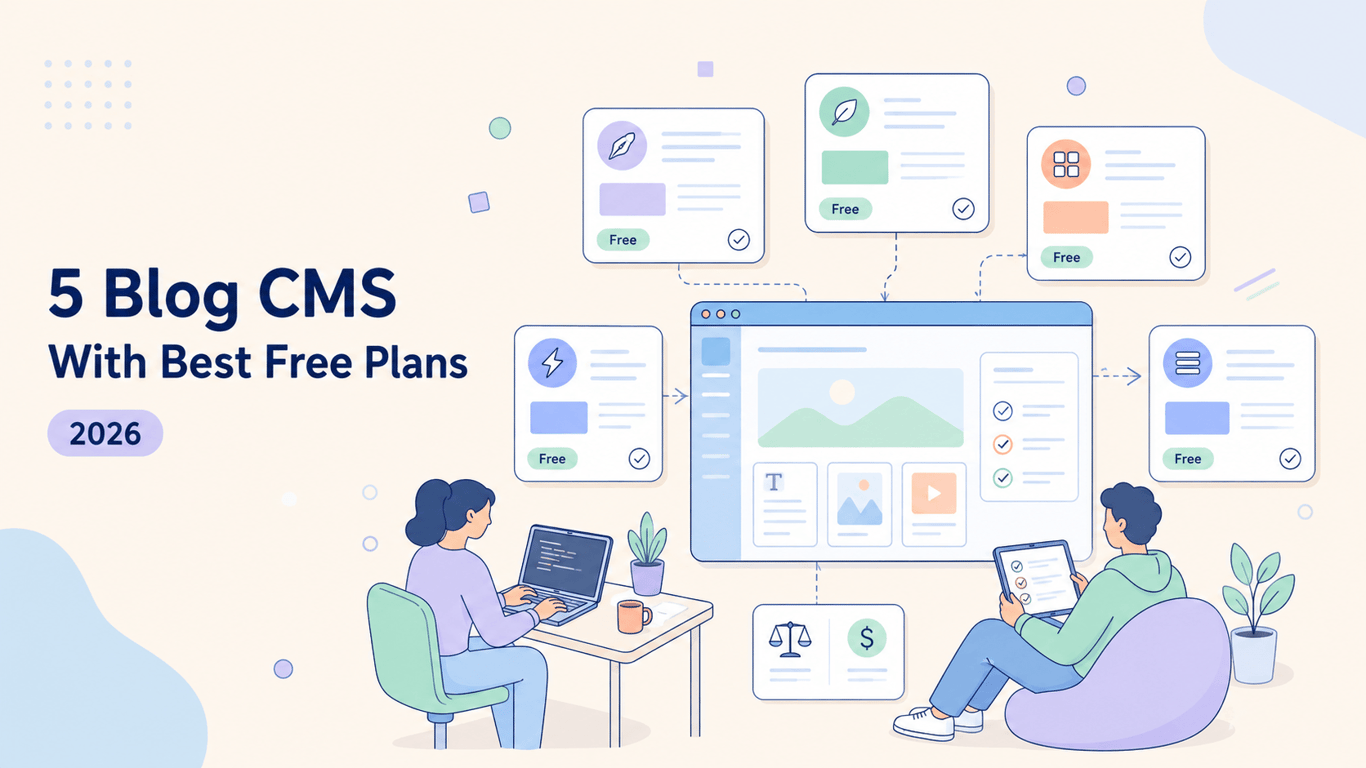
Here's how these five platforms stack up on free plan generosity, developer integration, and editorial experience.
5 Best Free Blog CMS Platforms
Not every free plan is created equal. Some give you unlimited content but lock away core features. Others give you full access but hand you a server to manage. The five options below represent the most useful free tiers available for teams building on modern stacks.
1. Wisp: Free Headless CMS for Next.js Blogs
Best for: Developers and founders building on Next.js or React who need to ship a fast blog and hand editorial control to non-technical writers.
Wisp is a headless blog CMS built specifically for Next.js and React. Its free plan is permanent, not a trial, and includes unlimited blogs and unlimited posts with Wisp attribution. That's a meaningful distinction from competitors that cap you at a handful of posts before demanding a credit card.
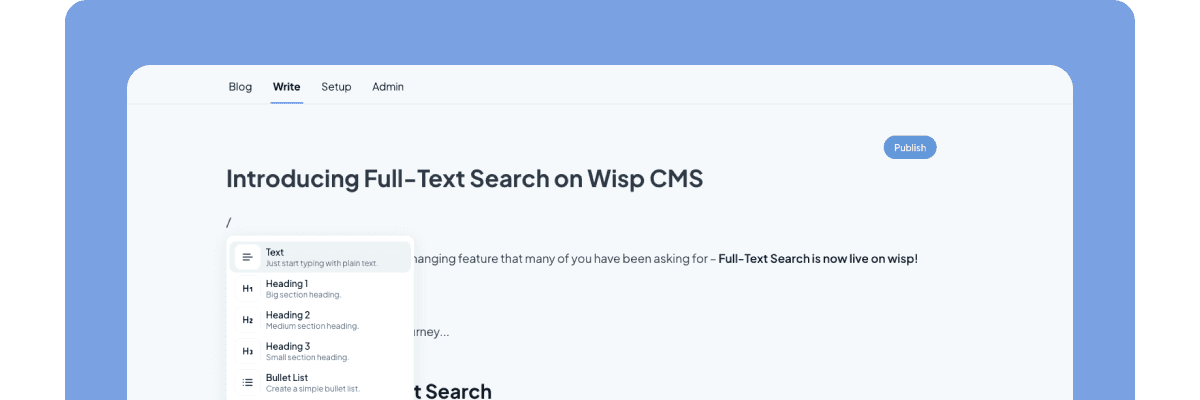
The editor is inspired by Medium and Notion. Writers can format, embed media, and publish without touching the codebase or learning Markdown. If your current setup requires a developer to fix a typo, that's the bottleneck Wisp is designed to eliminate.
On the developer side, Wisp provides a dedicated JavaScript Software Development Kit (SDK) (@wisp-cms/client) with TypeScript types, a Content API, and a Next.js Starter Kit that connects your blog in minutes. Content and media are served via a global Content Delivery Network (CDN), so you're not trading editorial convenience for page speed.
A few features worth noting for teams that want more than a basic blog:
Custom React Components. Developers register interactive components via
@wisp-cms/react-custom-component; writers insert them via slash commands. They render on the live frontend, not in the editor preview.AI Contextual CTAs. Wisp matches calls-to-action to article content using embeddings rather than showing the same CTA on every post.
AI Related Posts. Semantic similarity powers post suggestions, keeping readers moving through your content library.
Multi-tenancy. Manage multiple client blogs from one account, a genuine time-saver for agencies.
The Pro plan starts at $16/user/month and removes attribution. See the full pricing breakdown if you're evaluating the upgrade path.
Free plan: Permanent. Unlimited blogs and posts (attribution required). Paid plan: Pro at $16/user/month, 14-day free trial included.
2. Ghost: Open-Source Publishing With Membership Built In
Best for: Content creators, publishers, and businesses who want newsletters and paid memberships without stitching together third-party tools.
Ghost's core software is open-source and free to self-host. That makes it technically free, but you're trading a monthly fee for server management: hosting, updates, and security patches are your responsibility. Ghost(Pro), the managed hosting tier, starts at around $15–$36/month depending on your member count.
Ghost has a genuinely excellent writing environment. The editor is minimalist and distraction-free, and its native membership and newsletter features are hard to beat for audience-led content businesses. You can set up free and paid tiers, send email newsletters, and manage subscribers without a third-party tool in the mix.
Where Ghost gets complicated is on the headless side. It does expose a RESTful Content API, but Ghost is built around its own theme system. Pulling Ghost into a fully custom Next.js frontend is doable, but it's more friction than a purpose-built headless CMS. If you want a custom frontend and a clean API, rather than a self-hosted server and an opinionated theme layer, that trade-off is worth weighing.
Free plan: Self-hosted open-source, free to download. Managed hosting is paid. Paid plan: Ghost(Pro) starts at approximately $15/month.
3. Strapi: Self-Hosted Headless CMS With Full Control
Best for: Developer teams who want complete data ownership, custom content modelling, and the freedom to deploy anywhere.
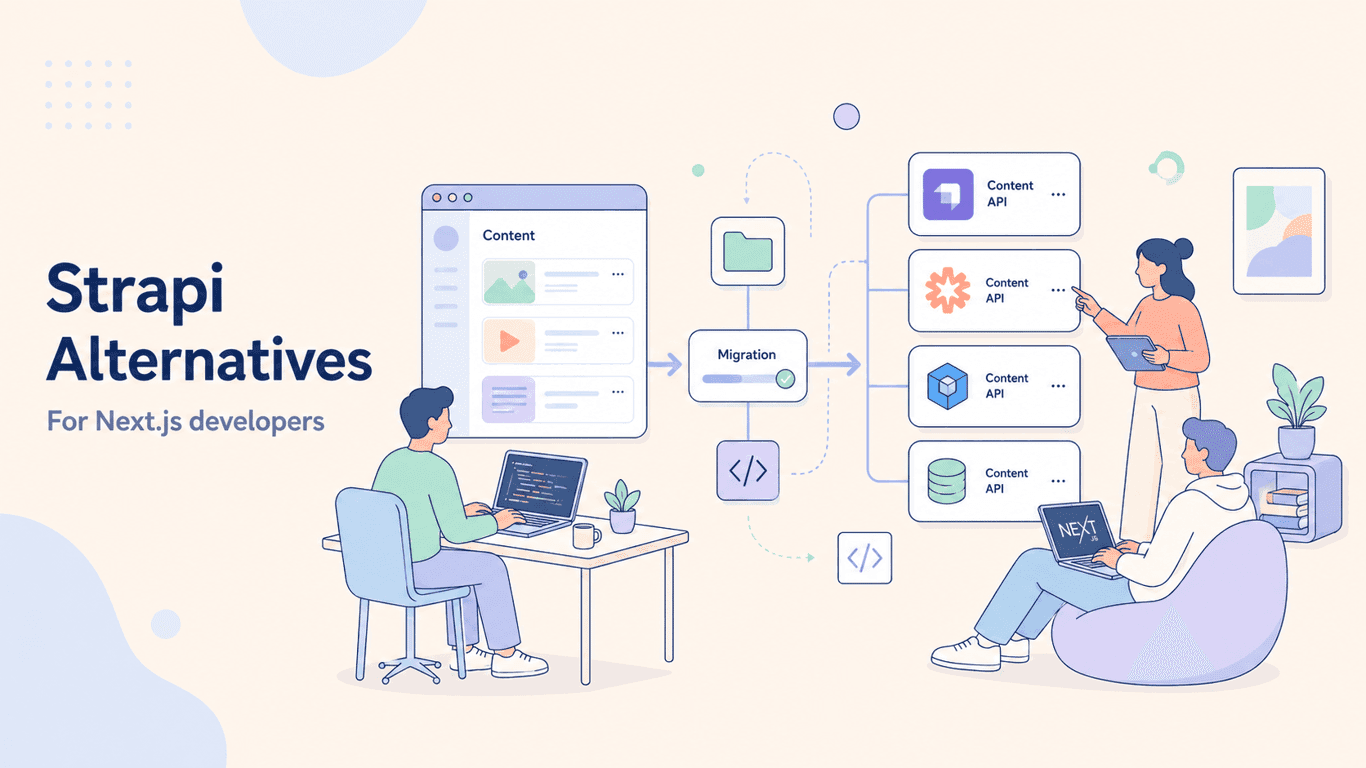
Strapi's Community Edition is free, open-source, and yours to run on any infrastructure. There's no vendor lock-in: your data lives where you put it. Strapi supports both REST and GraphQL APIs, highly customizable content types, and a growing plugin marketplace.
The trade-off is operational overhead. You're responsible for setup, hosting, scaling, database management, and keeping the platform patched. For teams with the infrastructure experience to handle that, Strapi is a powerful option. For teams who'd rather not manage a server alongside their product, that overhead is a real cost, just one that doesn't show up on a pricing page.
It's also worth noting that Strapi is a general-purpose headless CMS, not a blog-specific tool. You'll get flexibility, but you'll also spend time configuring structures that a blog-focused CMS handles out of the box.
Free plan: Community Edition — fully featured, self-hosted, no content limits. Paid plan: Enterprise tiers available for cloud and advanced features.
4. WordPress.com: The Familiar All-in-One Option
Best for: Hobby bloggers, beginners, or anyone already embedded in the WordPress ecosystem who wants hosting bundled with their CMS.
WordPress.com's free plan gets you a blog live in minutes. Hosting, a subdomain, and the familiar WordPress interface are all included. For someone who's never set up a CMS before, there's genuine value in that low barrier.
The limitations surface quickly in a professional context. The free tier includes WordPress.com branding and ads, limits storage, and blocks custom plugins and themes. You can't integrate it cleanly with a Next.js frontend. It's a monolithic platform that owns your frontend as well as your content. Moving off it later means rebuilding more than just a database connection.
For developers who've heard "just use WordPress" one too many times in CMS threads, this is the platform behind that reflex. It works, but it represents the legacy architecture that headless CMS tools were built to replace: plugin sprawl, performance trade-offs, and a tight coupling between content and presentation that limits what your frontend can do.
Free plan: Available, but includes platform branding, ads, and significant feature restrictions. Paid plan: Personal plans start at around $4/month; business features require higher tiers.
5. HubSpot CMS: Blog CMS With CRM Integration
Best for: Marketing teams already using HubSpot's CRM who want blog activity tied directly into their sales and lead-nurturing workflows.
HubSpot offers a free CMS tier that includes blog hosting, website pages, and a built-in connection to HubSpot's CRM. Every blog visit, form submission, and contact interaction flows into a single dashboard. If your team is already running lead generation through HubSpot, the integration is genuinely useful. You get a unified view of how content maps to pipeline.
The free tier includes mandatory HubSpot branding, and the platform is designed to deepen your reliance on the HubSpot ecosystem over time. It's not a developer-first tool, and it's not designed for teams who want to own their frontend. Like WordPress.com, it's an all-in-one platform. The CMS and the site are tightly coupled, which limits how you can integrate it with an existing Next.js app.
For content-driven lead generation on a budget, the free tier has real value. For teams who want a lightweight content API feeding a fast, custom frontend, HubSpot's architecture works against you.
Free plan: Available with HubSpot branding included. Paid plan: Starter tiers begin at around $15/month; marketing features escalate significantly from there.
What to Look for in a Free Blog CMS
Picking a CMS is a longer-term decision than it looks. Switching later means migrating content, rebuilding integrations, and retraining your team. A few criteria that matter more than the feature marketing:
Generous limits with a clear upgrade path. A free plan that caps you at 10 posts or requires a paid tier for API access isn't really free. Look for platforms that let you build a real project before you hit a wall.
A great editor for non-technical writers. The CMS isn't for you. It's for the people publishing content. A clunky editor or one that requires Markdown and pull requests creates a bottleneck. As one developer noted on Reddit, the goal is to "let contractors add/edit blog posts and keep the rest of your Next.js site fast."
Clean developer integration. A well-documented Content API, a typed SDK, and starter kits matter more than a long feature list. Integration friction compounds over time.
Performance that doesn't slow your site. Site conversion rates can drop over 4.42% for each additional second of load time. A headless CMS delivering content via CDN is the right architecture for teams where speed is non-negotiable.
Choose a CMS That Gets Out of Your Way
Choosing a free blog CMS isn’t just about the price tag: it’s about removing friction. A truly useful free plan won't have you managing a server or hitting a post limit just as you gain momentum. More importantly, it should enable your writers with an editor they enjoy using, eliminating developer bottlenecks for simple text changes.
Your next step? Before committing, ask if your top choice will create more work or get out of the way.
If a headless CMS with a clean editor and typed SDK sounds like it would get out of your way, try Wisp's free plan. It includes unlimited posts and connects to a Next.js project in minutes.
FAQs
What is the best free blog CMS for a Next.js site?
The best free blog CMS for a Next.js site is one that offers a headless architecture, a typed SDK, and no post limits, such as Wisp. This combination ensures clean integration, developer efficiency, and the ability to scale your content without hitting an unexpected paywall.
What does a "headless CMS" mean for a blog?
A headless CMS for a blog means the content management backend is separate from the frontend presentation layer. This allows you to manage content in one place (the CMS) and display it anywhere, like within your existing Next.js site, without giving up control of your UI.
Are self-hosted CMS platforms like Ghost or Strapi truly free?
Yes, self-hosted CMS platforms like Ghost and Strapi are free to download, but they have operational costs. You are responsible for server hosting, security updates, and maintenance, which requires time and technical expertise. These "hidden costs" can be significant.
Why is WordPress.com not ideal for a Next.js site?
WordPress.com is not ideal for a Next.js site because it's a monolithic platform that tightly couples your content with its own frontend themes. This makes it difficult to integrate cleanly as a headless source, defeating the purpose of using a modern, decoupled framework like Next.js.
How important is a non-technical editor in a blog CMS?
A non-technical editor is crucial for a blog CMS because it empowers writers and marketers to publish content without developer help. This removes bottlenecks, speeds up publishing, and allows developers to focus on building the core product instead of fixing typos.
What should I watch out for in a free CMS plan?
When choosing a free CMS plan, watch out for low post limits, locked essential features like API access, and mandatory platform branding. Many "free" plans are designed to force an upgrade quickly. A truly useful free tier lets you build a real project without these limitations.
Can I use a general-purpose CMS like Strapi for just a blog?
Yes, you can use a general-purpose CMS like Strapi for a blog, but it may require more initial setup. Blog-specific platforms often include features like categories, author pages, and SEO tools out-of-the-box, which you would need to configure yourself in a general CMS.